How to Set Up Business Operations Using the Right Tools
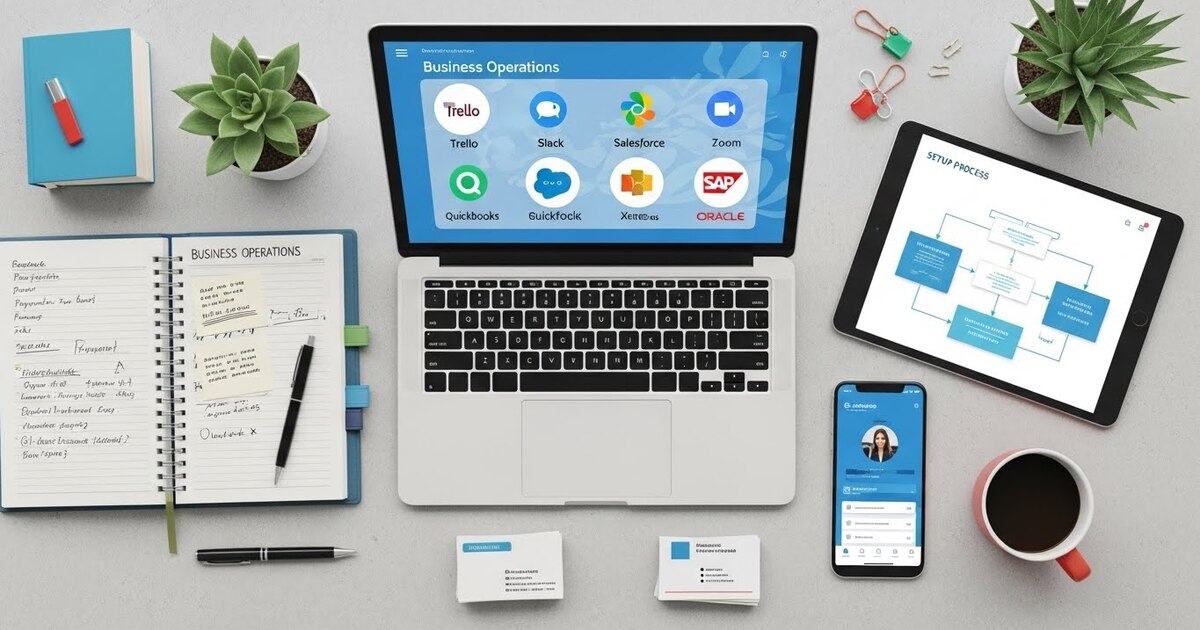
The leap from a brilliant idea to a functioning business is not one of inspiration, but of operation. It is the distance between a chef’s vision of a perfect dish and the organized kitchen, the stocked pantry, and the reliable oven that make it possible every single night. For the modern entrepreneur, this “kitchen” is a digital ecosystem. Setting up business operations is not merely about finding software; it is the deliberate act of architecting your business’s central nervous system. You are choosing the tools that will define how work flows, how data moves, and how your team coordinates. The right tools, implemented intentionally, create a foundation of clarity, efficiency, and scalability. The wrong ones—or worse, no system at all—create a permanent state of reactive chaos. This guide provides a framework for moving from concept to a coherent, tool powered operation, ensuring your business is built to execute, not just exist.
The Foundational Philosophy: Tool as Process
Before selecting a single application, you must adopt a critical mindset: a tool is not just a software subscription. It is the digital embodiment of a business process. Therefore, the work begins not by browsing app stores, but by mapping your core operations on paper. Identify your essential, repeatable workflows: How does a lead become a customer? How is a customer inquiry resolved? How is an invoice generated and paid? How is a new product idea tracked from concept to launch? Each of these is a process that a tool must support and streamline. The goal is to make the right way to work the easiest way to work.
Stage One: The Command Center – Communication and Coordination
Every business needs a central nervous system where information lives and decisions are visible. This is your primary layer of operations, preventing the chaos of fragmented conversations and lost information.
Establish a Dedicated Communication Hub. Immediately move internal chatter away from personal texting apps and chaotic email chains. A platform like Slack or Microsoft Teams creates organized, topic based channels (e.g., #marketing, #project-x, #customer-support). This ensures discussions are searchable, decisions are recorded, and context is preserved. It becomes the virtual office where your team “lives.”
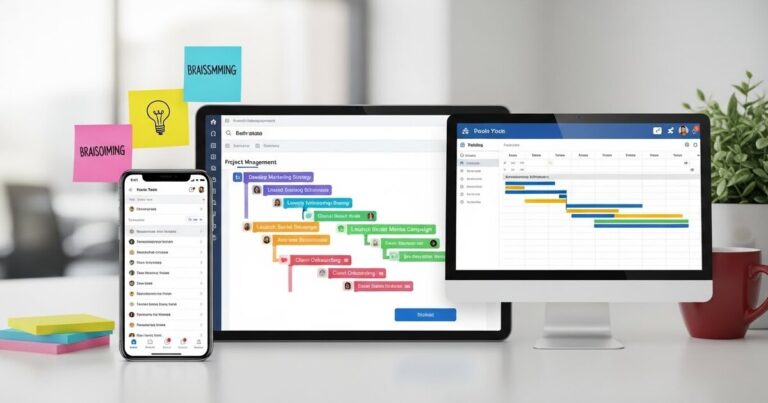
Create a Single Source of Truth for Work. All tasks, projects, and deadlines must reside in one visible location. A project management tool like Asana, Trello, or ClickUp becomes this command center. Here, you will map out the processes you identified. For example, your “New Client Onboarding” process becomes a template in ClickUp, with predefined tasks for sending the contract, setting up access, and scheduling a kickoff call, each assigned an owner and a due date. This eliminates the need for constant status meetings and creates transparency for the entire team.
Stage Two: The Lifeblood Systems – Finance and Customer Management
With coordination established, you must systemize the two pillars that directly affect survival: cash flow and customer relationships.
Implement Automated Financial Operations. Your financial system should be a real time dashboard, not a historical ledger. A cloud accounting platform like QuickBooks Online or Xero is non-negotiable. Connect it directly to your business bank account and credit cards for automatic transaction import. Use it to:
- Send professional, automated invoices with “Pay Now” links.
- Capture receipts instantly via mobile app.
- Schedule recurring bills for payment.
- Generate profit and loss statements on demand.
This setup transforms finance from a monthly chore into a daily, actionable insight.
Build a Structured Customer Memory. Customer details cannot live in your head or scattered inboxes. A Customer Relationship Management (CRM) system like HubSpot CRM (free tier), Copper, or Pipedrive serves as the unified memory of every client interaction. The process is simple: every email, call, or meeting note is logged against the client’s record. This allows you to track where leads are in your sales pipeline, automate follow up sequences, and ensure no opportunity is forgotten. It turns relationship building from an art into a manageable, scalable process.
Stage Three: The Content and Creation Engine – Documentation and Output
A business’s knowledge and output are its assets. These tools ensure that assets are created efficiently, stored safely, and are accessible to those who need them.
Centralize Your Knowledge. Institutional knowledge must not be trapped in individual minds. Use a wiki-style tool like Notion, Confluence, or even a well organized Google Drive to create a living company handbook. Document standard operating procedures (SOPs), brand guidelines, project briefs, and meeting notes here. This creates a self service resource for your team, drastically reducing repetitive questions and onboarding time for new members.
Standardize Your Creative Output. For marketing, design, and content creation, equip your team with accessible creative tools. Canva allows anyone to produce on-brand graphics, presentations, and social media assets using approved templates. Google Workspace or Microsoft 365 are essential for real time collaborative document, spreadsheet, and slide creation, eliminating version control nightmares.
Stage Four: The Automation Layer – Connecting the Dots
The highest level of operational setup is making your tools talk to each other, automating the flow of information to eliminate manual, error prone tasks.
Employ Integration Platforms. Use a tool like Zapier or Make to create automated workflows between your applications. For example:
- “When a deal is marked ‘Closed Won’ in the CRM, automatically create a new project in the project management tool and a new invoice in the accounting software.”
- “When a new lead submits a form on the website, automatically add them to the CRM and send a personalized welcome email.”
These “Zaps” act as a silent, digital operations manager, ensuring data moves seamlessly across your ecosystem.
The Implementation Blueprint: A Phased Rollout
Attempting to launch all these systems at once guarantees failure. Follow this phased, process focused approach:
Month 1: Foundation & Visibility.
- Map your 3 most critical processes (e.g., Lead to Client, Product Delivery, Monthly Financial Close).
- Launch your Communication Hub (Slack/Teams) and Project Management tool. Migrate all current work into it.
- Set up your cloud Accounting software and connect your financial accounts.
Month 2: Systemization & Memory.
- Document your first two SOPs in your Knowledge Base.
- Implement your CRM. Import all current clients and leads, and commit to logging all new interactions.
- Create your first two automation Zaps to connect your CRM to your project management or email tools.
Month 3: Refinement & Empowerment.
- Audit your tool usage. What is working? Where is there friction?
- Train your team on a new, deeper feature of your core tools (e.g., timelines in your project app, reporting in your CRM).
- Implement your design and content standardization tools (Canva, shared brand asset folders).
The Cultural Imperative: Tools Require Adoption
The most perfectly designed system is useless without adoption. You must lead this change culturally.
- Model the Behavior: Use the tools yourself, exclusively and visibly.
- Provide Training: Don’t assume proficiency. Host short, focused training sessions.
- Simplify Access: Use single sign on (SSO) where possible. Make the tools the obvious, easiest path.
- Evolve with Feedback: Be prepared to adjust processes and even switch tools if they are creating more work than they save. The system must serve the team, not the other way around.
Setting up operations with the right tools is the act of building a business that can run without you being the central, scrambling cog in every machine. It is about creating a framework where processes are clear, information is accessible, and the team is empowered to execute. This digital architecture frees you, the founder, from the tyranny of operational minutiae. It allows you to shift from being the chief problem solver to being the chief strategist, observing a well-oiled machine and steering it toward ever greater horizons. You are not just opening for business; you are building an enterprise designed to thrive.