Best Project Management Tools for Small Business Teams
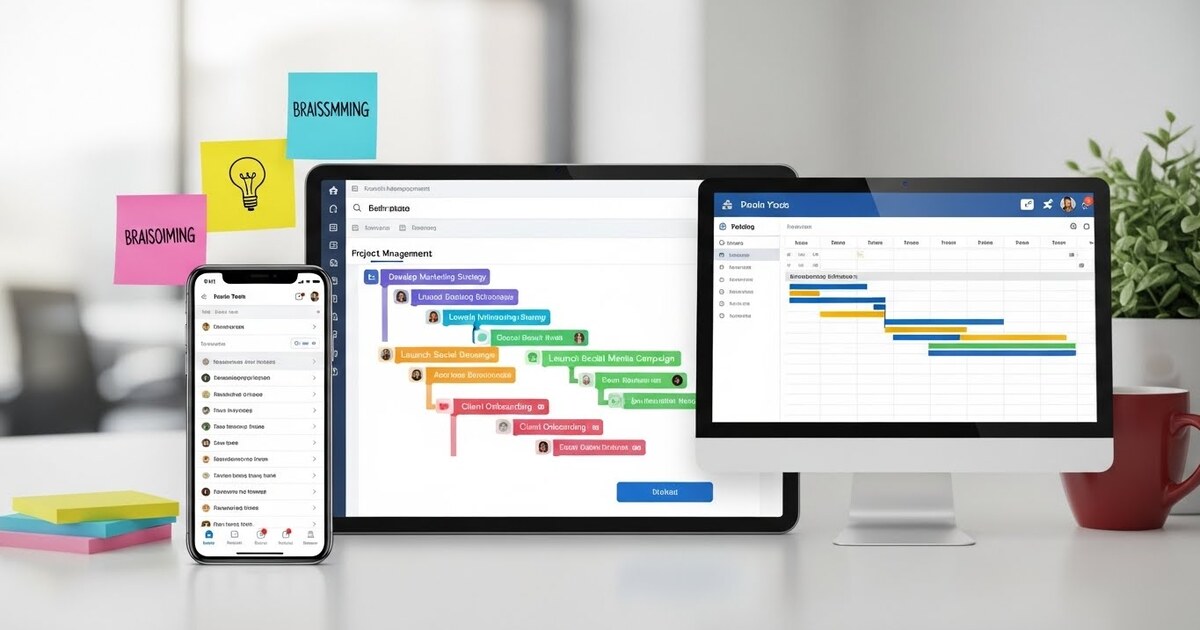
For a small business team, a project is more than a task list; it is a story. It has a beginning, a middle, and a desired end. It involves characters, resources, deadlines, and unexpected plot twists. Without a shared manuscript, this story quickly descends into cacophony—missed cues, overlapping dialogue, and a finale that disappoints. The role of a project management tool is to be that shared manuscript, and more than that, the conductor’s baton. It does not merely track work; it orchestrates it. It turns a collection of individual efforts into a harmonious performance where every contribution is timely, visible, and aligned. The challenge for a small business is not a lack of tools, but an overabundance. The search is not for the most powerful software, but for the most clarifying one. The right tool fits the unique rhythm of a small team, amplifying its agility without burying it in process. This exploration moves beyond features to philosophy, identifying the platforms that best help small teams write their success stories together.
The Foundational Philosophy: Clarity Over Complexity
Before evaluating a single platform, a small team must agree on its core need. Large enterprises require tools that manage risk, resource allocation, and complex dependencies across departments. A small team’s primary need is almost always clarity. Clarity on who is doing what, by when, and why it matters. The ideal tool eradicates the daily chorus of “Where are we with that?” and “Can you send me the latest version?”
Therefore, the best tools for small teams share key virtues. They are visually intuitive, often using boards or timelines that the brain can parse instantly. They are lightweight, allowing a new project to be set up in minutes, not days. They foster centralized conversation, tying discussion directly to tasks so context is never lost. And they offer gentle automation, handling reminders and status updates so the team can focus on the work itself, not the administration of work. The goal is to lower the friction of coordination to near zero.
The Kanban Command Center: Tools for Visual Flow
For many small teams, especially those handling ongoing workflows like client work, content production, or support tickets, the Kanban method is a revelation. It visualizes work as cards moving across columns (like To Do, Doing, Done). Its simplicity is its genius.
Trello is the quintessential example of accessible Kanban. Its interface of boards, lists, and cards is instantly understandable. Each card can hold checklists, due dates, attachments, and endless comments. Its power for small teams lies in its flexibility and gentle learning curve. A marketing team can manage a blog calendar, a software duo can track bug fixes, and a consultancy can oversee client deliverables—all using the same intuitive metaphor. While it can feel basic for very complex projects, its strength is in making project management feel approachable, not academic. Trello is the ideal starting point for teams new to formal project management, proving that a clear visual system is infinitely better than a fragmented one.
ClickUp, while vastly more powerful, offers a superb Kanban view alongside other perspectives. For a team that starts with Kanban but anticipates needing more structure—like goals, time tracking, or detailed task dependencies—ClickUp allows that evolution without switching platforms. Its customization means the tool can grow as the team’s sophistication grows.
The All In One Work Hub: Tools for Integrated Operations
Some small businesses crave more than task management; they want a unified workspace that connects projects to goals, documents, and even client communication. These platforms aim to be the single source of truth for the entire team’s operation.
Asana excels in this category by striking a remarkable balance between capability and usability. Its design is clean and intuitive, yet it supports multiple project views (list, board, timeline, calendar). For a small team, features like custom project templates, rules for automation (e.g., “when a task is marked complete, notify the client”), and a clear “My Tasks” list reduce mental overhead. Asana’s Timeline view (a simplified Gantt chart) is particularly valuable for small teams managing projects with interdependent tasks, allowing them to see and adjust their plan visually when deadlines shift. It feels professional without being overwhelming.
Monday.com takes a highly visual and customizable approach, often using color coding and status labels to create vibrant, at a glance dashboards. Its strength is in building workflows that mirror exactly how your team works, whether for onboarding a new hire, managing a product launch, or tracking sales leads. For a small team that enjoys tailoring its tools and values visual reporting, Monday.com provides a dynamic canvas. It requires a bit more initial setup than Asana but can yield a system that feels uniquely bespoke.
The Agile Accelerator: Tools for Iterative Builders
For teams in product development, software, or any field that works in iterative cycles (sprints), tools built for agile methodologies are essential. They focus on backlog grooming, sprint planning, and velocity tracking.
Jira, by Atlassian, is the industry standard for software teams. For a small technical team, it provides a rigorous framework to manage complex development work. It handles user stories, bugs, and epics with deep functionality. However, its power comes with a steeper learning curve and can feel heavy for non technical collaborators. For a pure, fast moving development pod, it is unparalleled. For a hybrid team with marketing and operations, it may create more walls than bridges.
Height is a newer entrant that combines the logical structure of a tool like Jira with a remarkably clean and collaborative interface. It is designed for cross functional teams, making it easier for non technical members to engage fully in the project lifecycle. It offers multiple views (list, board, timeline) and native collaborative features like shared cursors, making it feel like a live document for project planning. For a small, agile team that values deep collaboration and modern design, Height is a compelling contender.
The Simplified Scheduler: Tools for Deadline Driven Teams
When dates are the dominant currency—such as in event planning, campaign management, or editorial calendars—a tool that emphasizes the timeline is crucial. A simple list or board cannot reveal resource conflicts or critical paths.
Basecamp represents a distinct, opinionated philosophy. It argues against excessive metadata and complexity. Instead, it provides a suite of simple, fixed tools: a message board for announcements, a to do list, a schedule (calendar), and a place for documents. For a small team that is easily overwhelmed by complex software, Basecamp’s clarity is liberating. It forces focus on communication and deadlines, ruthlessly eliminating configuration options. It is less about managing tasks in a granular way and more about making sure everyone sees the big picture and the next milestone. It is the tool for teams who believe their project management platform should be a quiet bulletin board, not a noisy control room.
For a more visual timeline, ClickUp’s Gantt view or Asana’s Timeline offer more traditional scheduling within their broader ecosystems. These allow a team to drag and drop tasks to adjust schedules and see downstream impacts immediately.
The Connective Tissue: Tools That Unify Your Ecosystem
The most powerful project tool for a small business is sometimes not a project manager at all, but the platform that connects everything else. This is where Notion occupies a unique and powerful space.
Notion is an all purpose workspace that can be shaped into a project management system, a company wiki, a CRM, or all three. For a small, nimble team willing to build their own systems, Notion offers unparalleled flexibility. You can create Kanban boards, linked databases, and beautiful project wikis in one interconnected space. A project page can include its task board, its creative brief, its meeting notes, and its budget—all editable by the team in real time. The trade off is clear: ultimate flexibility requires you to be your own system architect. For a team with a clear internal process and a desire for a unified knowledge hub, Notion can eliminate the need for five separate tools.
The Selection Symphony: How to Choose Your Baton
With these options, how does a small team choose? Follow a disciplined selection scorecard.
- Identify Your Primary Pain Point: Is it unclear responsibilities? Missed deadlines? Scattered files? Choose the tool category that directly solves that pain.
- Embrace the Free Trial: Use your next real, small project as the test case. Invite the whole team. Do not just click around; actively manage the project in the tool for two weeks.
- Evaluate the Daily Experience: Is logging in a chore or a relief? Can you find what you need in three clicks? Does it make your daily stand up meeting faster?
- Consider the Guest Experience: How easily can you invite a client, contractor, or advisor to view a specific project? Transparent collaboration is key for small businesses.
- Calculate the True Cost: Look beyond the per user price. Does the plan you need include timeline views, automation, and sufficient storage? What is the cost of onboarding time?
The Implementation Imperative: From Tool to Habit
Adopting a tool is only 10% of the battle; creating the habit is the other 90. The implementation is crucial.
Start with a single, active project. Appoint a team member to be the temporary “champion” to encourage use. Create simple, consistent rules: “All tasks live here. All file feedback is given in comments. The project status is updated every Friday.” Integrate the tool into your existing rituals: start your team meeting with the project board on screen.
The ultimate measure of the right tool is not its features, but its absence of friction. It should fade into the background, a natural extension of the team’s thinking. When this happens, the tool has succeeded. It is no longer a piece of software being managed; it is the shared mind of the team, the conductor’s score that ensures every player contributes at the right moment, resulting in a performance that is far greater than the sum of its parts. For the small business team, this harmony is not a luxury; it is the sound of success.