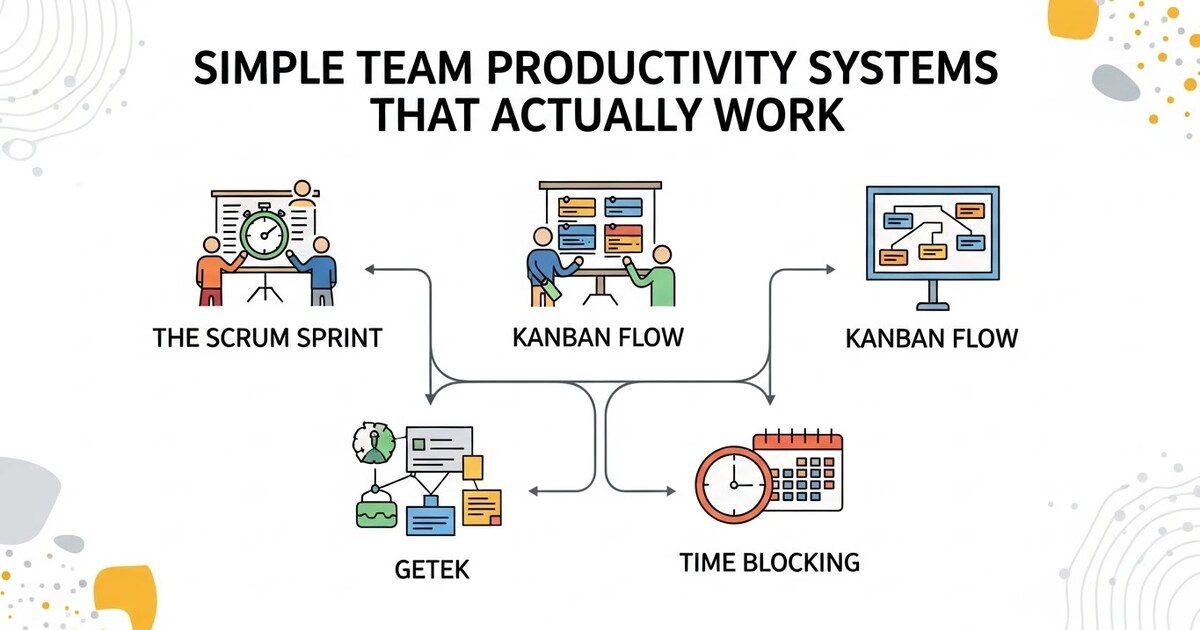
Simple Team Productivity Systems That Actually Work
In the pursuit of productivity, teams are often besieged by a paradox. The very tools and complex methodologies designed to enhance output can become burdens, creating more process than progress. Elaborate project management frameworks demand more time to maintain than they save. Communication multiplies across countless channels, creating noise instead of clarity. The allure of the perfect, intricate system is strong, but for most small teams, it is a siren song leading to the rocks of overhead and frustration. True productivity is not born from complexity, but from clarity. It emerges from simple, durable systems that reduce friction, create shared understanding, and allow human energy to flow toward meaningful work, not administrative upkeep. This is the art of the uncomplicated engine: implementing foundational team productivity systems that are easy to adopt, simple to maintain, and powerful in their effect.
The Guiding Principle: Reduce Cognitive Load, Not Options
Before any tool is chosen or process is written, a core philosophy must be embraced. The ultimate goal of a team productivity system is to reduce the cognitive load on its members. Cognitive load is the mental energy required to manage work: remembering tasks, searching for information, figuring out next steps, or deciding where to communicate. A poor system increases this load, leaving less mental bandwidth for the creative, strategic, and analytical thinking that constitutes actual valuable work.
Therefore, an effective system minimizes decisions about how to work, so the team can focus on what to work on. It answers fundamental questions before they are asked: Where should I put this? Who needs to know? What is my priority right now? What does done look like? Simplicity is not a lack of sophistication; it is intentional design that makes the right way to work the easiest way to work.
System One: The Single Source of Truth Task Hub
Chaos begins when tasks are scattered: in email subject lines, on sticky notes, in half finished notebooks, and across various digital reminders. The first and most critical system is establishing one, and only one, official place where work is tracked and assigned. This is your team’s source of truth.
For most teams, this takes the form of a shared digital task board. Visual simplicity is key. A tool like Trello, Asana, or ClickUp configured with a basic Kanban style board is often ideal. The columns are straightforward: To Do, Doing, Done. Some teams add a Ready or Next Up column between To Do and Doing, and a Waiting For/Blocked column for paused tasks.
The rules of this system are simple but non negotiable:
- If it is not on the board, it is not an official team task.
- Every task card must have a single owner (even if others help).
- A task moves to “Doing” only when work actively begins, and to “Done” only when it is complete and, if applicable, reviewed.
- All relevant details, documents, and discussions are attached directly to the task card.
This system creates immediate visibility. At a glance, anyone can see the team’s workload, what is in progress, and what is stalled. It eliminates the need for status update meetings built around the question, “What are you working on?” The board shows it. The manager’s role shifts from taskmaster to board curator, helping to prioritize the “To Do” column and unblock items in the “Waiting” column. This one simple system eliminates a vast amount of confusion, forgotten assignments, and redundant questioning.
System Two: The Calibrated Communication Charter
Miscommunication and notification fatigue are monumental productivity drains. A team without rules for communication is like an office where everyone is constantly shouting. A simple communication charter defines the purpose of each channel, setting expectations for urgency and response.
A practical charter for a small team typically involves three primary channels:
- The Project Tool (e.g., your Task Hub): This is for all task specific, asynchronous communication. Questions, updates, and feedback about a specific piece of work live in the comments of the relevant task card. This keeps context attached to the work itself.
- The Instant Messenger (e.g., Slack, Microsoft Teams): This is for quick, live coordination and non urgent social interaction. Its rules should include using specific channels (e.g., #marketing, #support, #random), utilizing threads to keep conversations tidy, and an understanding that responses are expected within a few hours, not instantly. Crucially, the team must agree that complex discussions or decision making should not happen here; they should move to a call or the project tool.
- Email: This is for formal, external communication, or for lengthy internal memos that serve as a permanent record (e.g., meeting minutes, policy updates, finalized reports).
The power of this system is in its boundaries. It answers the question, “Where should I put this?” before it is asked. It prevents critical task details from being lost in a fast moving chat stream, and it protects deep work by making it clear that a message in the project tool does not require an immediate, interruptive response.
System Three: The Rhythmic Meeting Pulse
Meetings are necessary, but they can easily metastasize, consuming calendars and leaving little time for the work discussed. The antidote is to implement a simple, rhythmic meeting structure with strict purposes and formats. This replaces ad hoc, meandering calls with predictable, productive touchpoints.
This rhythm typically consists of three types of meetings:
- The Daily Stand Up: This is a 10 to 15 minute check in, ideally held at the same time each morning. Participants answer three questions verbally: What did I accomplish yesterday? What will I work on today? What, if anything, is blocking me? It is not a problem solving session; it is a synchronization pulse. If a blocker is identified, a separate conversation is scheduled. This daily touchpoint eliminates the need for constant check in messages throughout the day.
- The Weekly Tactical: This is a 45 to 60 minute team meeting to review the week. The agenda is simple: Review the “Done” column from the Task Hub and celebrate completions. Review the “Doing” and “Blocked” columns to address bottlenecks. Look ahead to the “To Do” column for the coming week and ensure priorities are clear. This meeting keeps the team aligned on progress and priorities, using the visual Task Hub as its agenda.
- The Monthly Strategic: This is a 90 minute meeting focused not on tasks, but on direction. Discuss broader goals, review key performance indicators, brainstorm improvements to your products or processes, and evaluate the health of the team itself. This meeting ensures the team is not just doing work, but doing the right work.
By making these meetings sacred and strictly time boxed, you create a predictable cadence that provides alignment and support without allowing meetings to dominate the workweek.
System Four: The Clarity First Documentation Rule
Teams waste immeasurable time answering the same questions, reinventing processes, or searching for essential information. The solution is not a comprehensive, daunting encyclopedia, but a “just enough” documentation system based on one simple rule: The first time you explain something that others will need again, you must document it.
This documentation lives in an accessible, searchable shared drive like Google Drive, Notion, or Confluence. It should be organized intuitively, with a clear “Team Homepage” that links to the most vital resources. The focus should be on living documents that the team actually uses:
- Process Documentation: A simple, step by step guide for how to onboard a new client, submit an expense report, or publish a blog post. A screen recording tool like Loom is perfect for this.
- Decision Log: A running document that records significant team decisions, the rationale behind them, and the date. This prevents “history rewriting” and repeated debates.
- Team Handbook: Basic information on working hours, contact details, role responsibilities, and team norms.
The key is to make documentation a natural byproduct of work, not an extra chore. When a teammate asks, “How do I do X?” the correct response is to show them, and then immediately say, “Let’s update the guide together so we have it for next time.” This builds a collective knowledge base that scales the team’s capability without scaling managerial oversight.
System Five: The Visual Work Prioritization Filter
A common team paralysis stems from an overwhelming “To Do” list. The Simple Task Hub shows what needs doing, but not what is most important. A lightweight prioritization framework provides the filter. Avoid complex matrices. Instead, adopt a method like the ICE Score or a simple Priority Tier system.
The ICE Score is effective for evaluating new ideas or features. Rate each item on three criteria on a 1-5 scale:
- Impact: How much will this benefit our goal?
- Confidence: How sure are we about our impact estimate?
- Ease: How easy/low effort is this to implement?
Add the scores. The items with the highest total scores are prioritized. This forces a quick, data informed conversation beyond “I think this is important.”
For ongoing task management, a Priority Tier system is simpler:
- P1: Must be done this week. Critical to goals or commitments.
- P2: Should be done this week if possible. Important but not catastrophic if it slips.
- P3: Can be done when higher priority work is complete.
During the Weekly Tactical meeting, the team reviews the Task Hub’s “To Do” column and assigns a P1, P2, or P3 label to each item. This creates immediate visual clarity on what to tackle first, empowering individuals to make smart decisions about their own work order without constant managerial direction.
Implementing the Uncomplicated Engine
The path to adopting these systems is to introduce them one at a time, and to frame them as tools for liberation, not control. Start with the Single Source of Truth Task Hub. Use it for two weeks until it becomes habit. Then, introduce the Communication Charter to reduce digital noise. Next, formalize the Rhythmic Meeting Pulse to reclaim calendar time.
Throughout, lead with the principle of reducing cognitive load. Ask your team, “Does this make it easier to know what to work on and how to work together?” Be prepared to adapt the systems to your team’s specific workflow; the goal is not rigid adherence to a model, but the cultivation of shared clarity.
When these simple systems work in concert, a transformation occurs. The background noise of work management fades. Questions of “where,” “when,” and “who” are answered by the system itself. Trust builds because progress and priorities are visible to all. The team’s collective mental energy is redirected from managing work to doing work. They spend less time planning the journey and more time making meaningful progress. This is the power of the uncomplicated engine: it does not shout about productivity. It quietly, reliably, and simply creates the conditions for it to thrive.