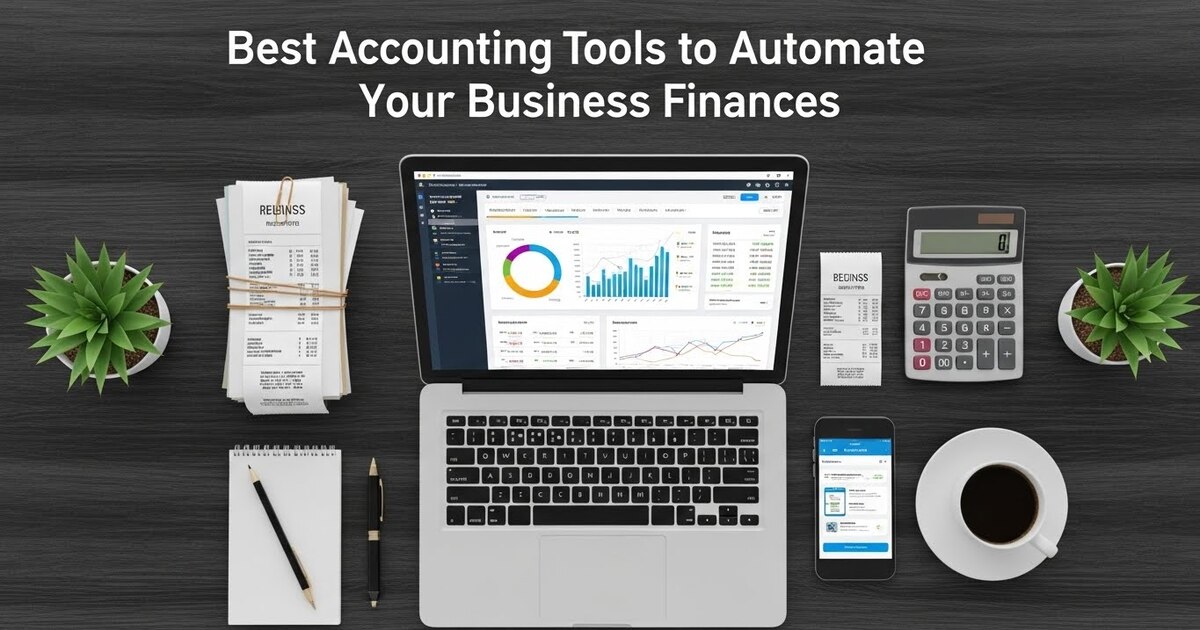
Best Accounting Tools to Automate Your Business Finances
For generations, business accounting was a retrospective art. It was the process of looking backward, of categorizing what had already happened, of closing the books on a period to understand profit and loss. This historical view, while necessary, left a critical gap: it provided no real-time insight to guide today’s decisions. The modern business cannot afford this lag. Today’s accounting tools have undergone a revolution. They are no longer passive ledgers; they are active, intelligent systems designed to automate the financial present and forecast the future. They transform the founder from a bookkeeper into a financial strategist, liberated from data entry by a suite of digital assistants that work tirelessly in the background. This is the promise of the autonomous ledger: a self-maintaining financial system that provides clarity, ensures compliance, and fuels intelligent growth. Here are the essential tools that make it possible.
The Central Nervous System: Cloud-Based Accounting Platforms
The heart of any automated financial system is a cloud-based accounting platform. This is your single source of truth, the hub where all financial data converges and is processed automatically.
QuickBooks Online is the market leader for a reason. Its automation capabilities are deeply integrated. Bank and credit card feeds connect directly, pulling transactions into the ledger daily. Its rules engine allows you to set conditions (e.g., “Any transaction from ‘AWS’ is categorized as ‘Software Expense’ and coded to the ‘Technology’ class”) so that future transactions are categorized correctly upon import. Its recurring transaction feature automates both invoices and bills, sending them out and recording them on a schedule you set. For a small business, its ecosystem of integrated apps is unparalleled, creating a seamless flow of data.
Xero offers a similarly powerful and elegant alternative, often praised for its superior user interface and robust bank reconciliation tools. Like QuickBooks, its core strength is in automated transaction feeds and bank reconciliation. Xero’s “Find & Recode” function is a powerful tool for cleaning up bulk transaction errors automatically. Its strong emphasis on collaboration makes it easy for multiple users, including your external accountant, to work in the platform simultaneously.
FreshBooks, while historically focused on freelancers and service businesses, has evolved into a full-featured platform ideal for client-centric operations. Its automation shines in the client cycle: from automated recurring invoices and payment reminders to late fee assessments and client credit card retry protocols. It excels at making the “money in” side of your business as hands-off as possible.
The Transaction Automators: Bank Feeds and Reconciliation Engines
The manual entry of transactions is the primary time sink in traditional bookkeeping. Modern tools eliminate this almost entirely.
Direct Bank Feeds are the foundational automation. By securely connecting your accounting software to your business bank accounts, credit cards, PayPal, Stripe, and other financial institutions, you create a live stream of raw financial data into your ledger. This happens daily, without any action on your part. The software ingests the date, amount, and payee information automatically.
AI-Powered Categorization and Rules then take over. Initially, you will need to categorize transactions. However, platforms learn from your behavior. After you categorize a few transactions from “Staples” as “Office Supplies,” the software will suggest that category for future Staples transactions. You can then create a firm rule: “Always categorize transactions from ‘Staples’ as ‘Office Supplies.'” Over time, 80-90% of your transactions can be categorized automatically, with you only needing to review and confirm.
Automated Reconciliation is the final step. Instead of manually matching your bank statement line by line, the software presents you with a list of imported transactions and your own recorded transactions. With categorization rules applied, the match rate is high. You simply review the software’s suggestions and click “Reconcile.” What was once a monthly hour-long chore becomes a five-minute weekly review.
The Receipt and Expense Management Robots
Paper receipts and employee expense reports are kryptonite to efficiency. Dedicated tools turn this chaos into structured data.
Dext (formerly Receipt Bank) and Hubdoc are the standards. Their process is simple and powerful: you forward a supplier invoice via email, or use a mobile app to snap a photo of a paper receipt. The software uses Optical Character Recognition (OCR) to “read” the receipt, extracting the vendor, date, amount, and tax data. It then codes the expense based on your rules and pushes a digital copy of the receipt, along with the data, directly into a draft bill or expense line in your accounting platform (QuickBooks, Xero, etc.). This eliminates manual data entry entirely and creates a perfect, searchable digital paper trail.
Expensify and Rydoo focus on the employee expense report workflow. Employees snap photos of receipts with their phones; the AI extracts the data and auto-generates an expense report that flows into approval workflows and, ultimately, into your accounting software for reimbursement. These tools automate policy enforcement (flagging out-of-policy expenses) and drastically cut the administrative time of processing reports.
The “Money-In” Accelerators: Invoicing and Payments Automation
Slow-paying clients cripple cash flow. Automation tools ensure you get paid faster and with less effort.
Automated Invoicing and Recurring Billing within your core accounting platform allows you to set up subscription models or retainers once. The software will generate and email the invoice on your schedule, whether monthly, quarterly, or annually. This ensures you never forget to bill a client.
Online Payment Gateways integrated directly into your invoices are transformative. When a client receives their PDF invoice via email, a “Pay Now” button is included. Clicking it allows them to pay instantly by credit card or ACH bank transfer. This reduces the payment cycle from 30+ days to 48 hours. Tools like Stripe and PayPal integrate seamlessly with QuickBooks Online, Xero, and others, automatically recording the payment and matching it to the invoice the moment it clears, with no manual entry required.
Automated Payment Reminders are the gentle nudge that preserves client relationships. You can configure your software to automatically send polite email reminders for overdue invoices at 7, 14, and 30 days past due. Some systems can even assess late fees automatically based on your terms. This systematic, impersonal follow-up is often more effective and far less awkward than you having to send a personal email asking for money.
The Reporting and Insight Engines: From Data to Foresight
Automation is not just about recording the past; it’s about understanding the present and forecasting the future.
Real-Time Dashboards are your financial command center. Upon logging into your accounting software, you are greeted not with a list of transactions, but with a visual dashboard: current bank balances, outstanding invoices (Accounts Receivable), unpaid bills (Accounts Payable), profit and loss trends, and a snapshot of cash flow. This provides an at-a-glance understanding of your financial health without running a single report.
Automated Financial Reporting allows you to schedule key reports to be generated and delivered automatically. You can have a Profit & Loss statement and Balance Sheet emailed to you and your partners every Monday morning. This ensures you are consistently reviewing performance without having to remember to generate the reports.
Cash Flow Forecasting Tools like Float or CashFlowTool represent the pinnacle of financial automation. They connect directly to your accounting software (QuickBooks, Xero) and use your live data—current bank balance, outstanding invoices, upcoming bills—to build a rolling 30, 60, or 90-day cash flow forecast. They update automatically as new transactions are imported. You can model “what-if” scenarios (e.g., “What if my biggest client pays 15 days late?”) to see the impact on your future cash position, allowing for proactive, rather than reactive, financial management.
The Integration Fabric: Making Your Tools Communicate
The true power of this automated ecosystem is realized when all tools talk to each other, creating a closed-loop system.
Zapier and Make are the universal translators. They can connect your accounting software to hundreds of other apps you use. For example:
- When a deal is marked “Closed-Won” in your CRM (HubSpot, Salesforce), Zapier can automatically create a new client and invoice in QuickBooks Online.
- When an invoice is paid in Stripe, Make can log the payment in QuickBooks and post a celebration notification in your Slack channel.
- When a new employee is added in your HR platform (Gusto, BambooHR), an automation can create them as a vendor in Xero for payroll processing.
These workflows eliminate the final frontier of manual work: moving data between systems. They ensure your financial data is always complete, accurate, and up-to-date across your entire business technology stack.
Building Your Autonomous System: A Phased Implementation
- Phase 1: Foundation. Set up your core cloud accounting platform (QuickBooks Online/Xero). Connect all bank and credit card feeds. Spend two weeks diligently categorizing to train the rules engine.
- Phase 2: Efficiency. Implement a receipt capture tool (Dext/Hubdoc). Enforce a “no paper receipt” policy; everything gets snapped and uploaded. Activate online payments on all your invoices.
- Phase 3: Insight. Connect a cash flow forecasting tool (Float). Start with a basic 60-day forecast and review it weekly. Set up one key automated report to be emailed to you monthly.
- Phase 4: Integration. Identify one repetitive, manual data-entry task between systems (e.g., new client setup). Use Zapier to automate it.
By strategically layering these tools, you construct an autonomous financial operation. Your role evolves from data clerk to financial analyst. You spend your time interpreting trends, modeling scenarios, and making strategic decisions—all based on data that is accurate, immediate, and effortlessly provided by your digital finance team. This is the modern paradigm: your finances don’t just get managed; they manage themselves, empowering you to build a smarter, more resilient business.